What Is the NetMirror App for TV?
NetMirror gathers movies and web series from many OTT platforms into one free catalog. The phone version is an Android APK, and the TV version, called NetMirrorTV, is a separate APK designed for televisions. It appears in your TV's app launcher, works without a touchscreen, and asks only for network permissions.
| App name | NetMirrorTV |
|---|---|
| Version | 1.0 |
| Package name | app.netmirror.newtv |
| File size | 60.8 MB |
| Requirements | Android TV, Google TV or Fire OS device on Android 7.0 or newer |
| Permissions | Internet and network state only |
| Price | Free |
| Official source | netmirrortvapk.net |
NetMirror TV Features
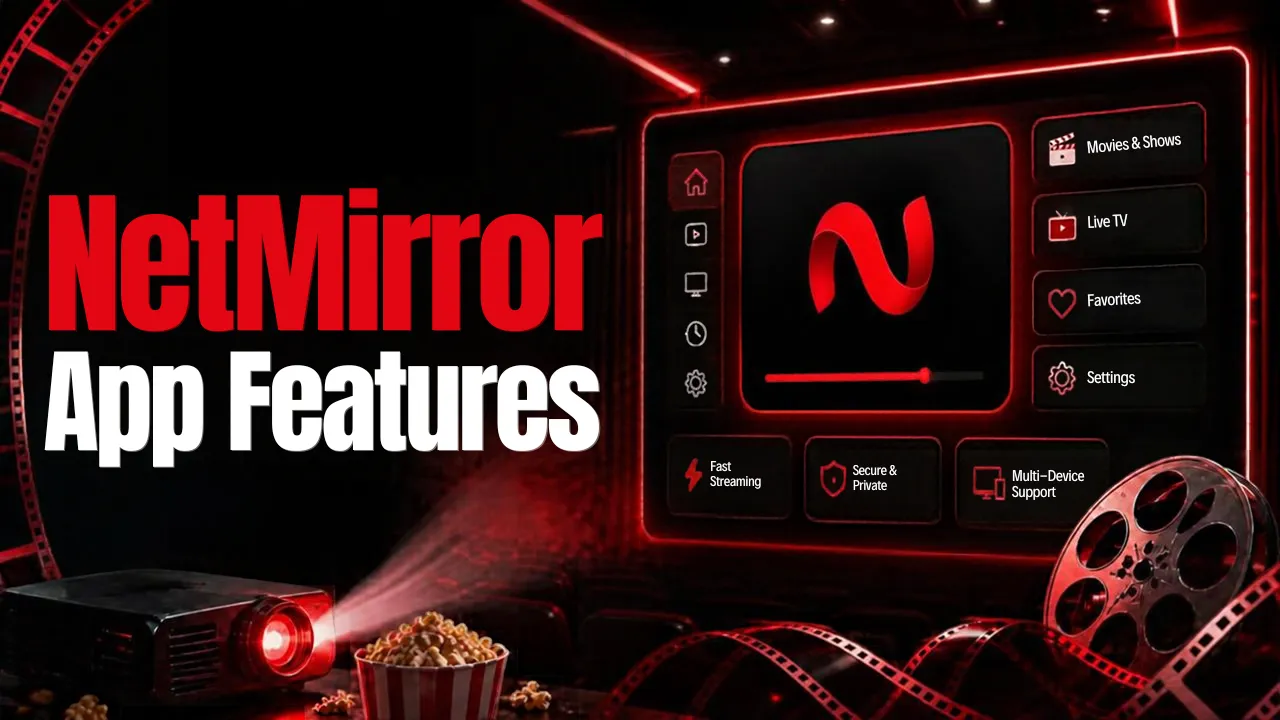
- Built for the remote: a TV-style home screen, a launcher banner, and navigation that follows your remote's arrow keys.
- Platform switcher: move between catalogs from different OTT services.
- Search: find any movie or show by title.
- Series view: browse seasons and episodes from a single page.
- Continue Watching and watchlist: pick up where you left off or save titles for later.
- Native video player: menus for audio language, subtitles, and video quality.
The TV app also includes a one-time code (OTP) check, so it may ask you to verify access before playing.
Which TVs Can Run NetMirror?
- Android TV and Google TV: TVs from Sony, TCL, Hisense, Philips, and others, plus streamers such as Chromecast with Google TV, Google TV Streamer, Xiaomi Mi Box, and Nvidia Shield.
- Amazon Fire TV with Fire OS: Fire TV Stick, Fire TV Stick 4K and 4K Max, Fire TV Cube and Fire OS smart TVs can install the APK.
- Not supported: the Fire TV Stick 4K Select runs Amazon's new Vega OS, which cannot install APK files, and Amazon says future Fire TV Sticks will use Vega OS too. Samsung (Tizen) and LG (webOS) TVs cannot install APKs either, so add an Android TV stick or box instead.
How to Install the NetMirror App for TV
The easiest way to get the NetMirror download onto a TV is the free Downloader app by AFTVnews.
- Install Downloader from the Google Play Store on Android TV or Google TV, or from the Amazon Appstore on Fire TV.
- Let Downloader install apps. On Google TV, open Settings > System > About and select Android TV OS build seven times to unlock developer options, then go to Settings > Apps > Security & restrictions > Unknown sources and enable Downloader. On Fire TV, open Settings > My Fire TV > About, select your device name seven times, then turn on Downloader under Developer options > Install unknown apps.
- Open Downloader, enter the official NetMirror home page address, choose the Android TV tab, and select Download TV APK to start the NetMirror download.
- When the download finishes, select Install and then Open. NetMirrorTV now appears in your apps list.
Optional: delete the APK file in Downloader to free up space.
Final Thoughts
The NetMirror app for TV is one of the few sideloaded streaming apps with a proper TV interface, and it installs in a few minutes on Android TV, Google TV and Fire OS devices. Get it only from the official home page and check that the app is NetMirrorTV with the package name app.netmirror.newtv.